Your members came to connect with you and each other, not to watch competitor ads or get pulled into YouTube's recommendation algorithm.
YouTube embeds break the community experience. Ads interrupt. Recommendations pull members away. Your carefully crafted community feels like just another YouTube wrapper.
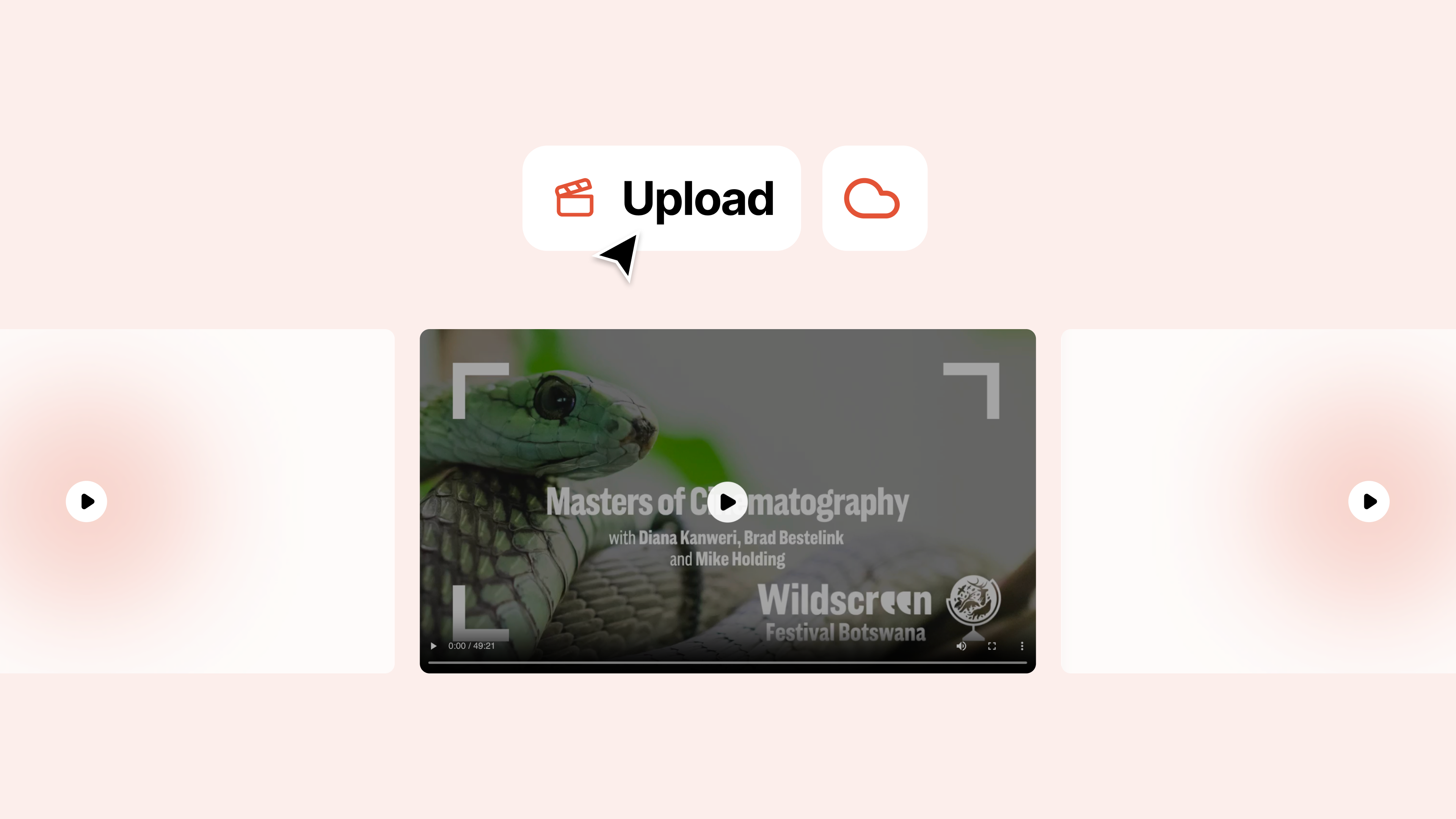
Coralbeat's built-in video hosting keeps members engaged. Upload videos to your Admin Dashboard and they stream smoothly across your Community App. No ads. No distractions. Just your content.
What You Get
Upload a video once and it's available everywhere in your community: in posts for discussions, in resource collections for courses, or in spaces for specific groups.
Videos automatically convert to streaming format with adaptive quality. Fast connections get high-quality playback. Slow connections get smooth streaming without buffering. The player includes play/pause, progress tracking, volume control, and fullscreen mode. Videos resume where members left off.
How It Works
Upload from Admin Dashboard: Go to Content, click Upload Video, choose your file (MP4, MOV, or WebM), and upload. Processing happens automatically in minutes.
Share Across Your Community: Add videos to posts in the feed, organize them into resource collections for structured learning, or share within specific spaces for targeted groups.
Members Watch on Any Device: The player adapts automatically. Mobile gets optimized playback. Desktop gets full quality. Progress tracking means members can start on mobile, finish on desktop.
Why Community Leaders Use This
Creators build course libraries with 50+ training videos organized into modules. Members watch at their own pace, track progress through challenges, and never see YouTube ads breaking concentration.
E-Commerce Brands share styling tutorials and product demos in their branded Community App. Members watch, discuss in posts, and stay connected to the brand instead of getting distracted by competitor ads.
Nonprofits create volunteer training libraries and share impact stories. Volunteers access required training through the Community App, with completion tracked automatically through the challenge system.
Getting Started
- Log into your Admin Dashboard
- Go to Content and click Upload Video
- Choose your video file (MP4, MOV, or WebM)
- Add a title and description
- Share in a post or add to a resource collection
No YouTube channel required. No Vimeo subscription needed. Just upload and share.